Not a parts list. Real sessions in SOLIDWORKS and Revit: assembly checks, drawing work, and a flow simulation reviewed on the screen.
Modeling and drawingsA SOLIDWORKS assembly and a Revit model open side by side.
Large assembliesInterference detection on a large SOLIDWORKS assembly, load on screen.
Simulation resultsReviewing SOLIDWORKS Flow Simulation output, with memory use on screen.
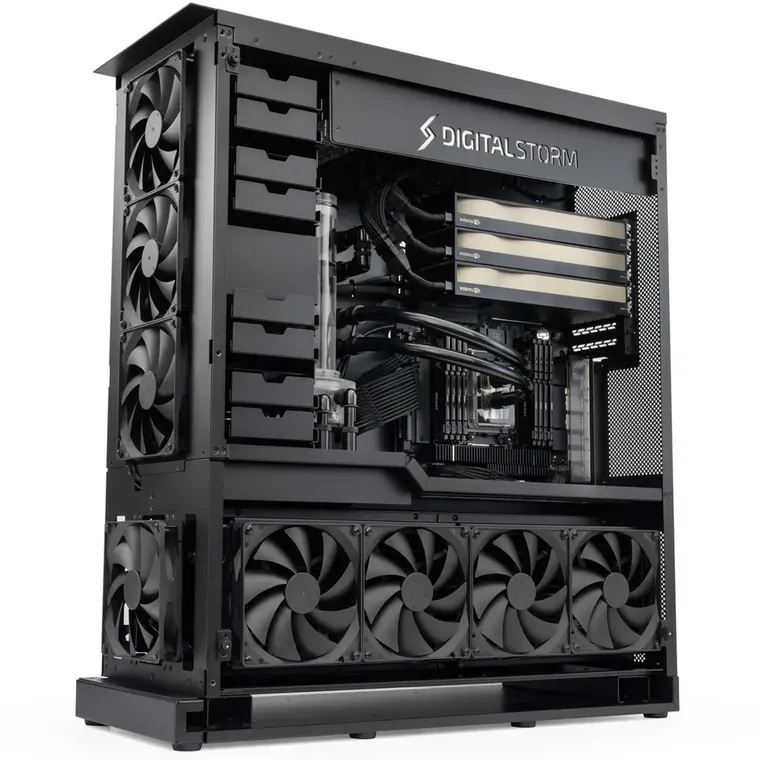
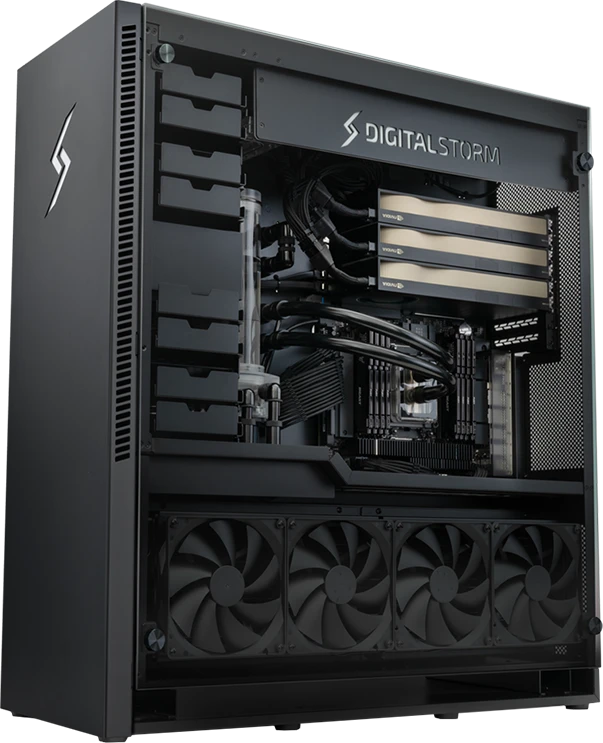
Engineered for a full working day.
Cooling, airflow and power delivery are designed for sustained engineering workloads. Every system is assembled and runs a 72-hour full-load burn-in before it ships.
Chosen for your softwareCPU, graphics, memory and storage selected around your software and project demands.
Cooled for sustained workAirflow and power delivery planned around the complete configuration.
Support from Digital StormLifetime US-based support after delivery, with warranty coverage detailed in your quote.
Trusted by engineering and manufacturing teams.
Digital Storm has built high-performance systems in California since 2002, and today builds the workstations the drawings come out of, for product design, aerospace and manufacturing teams.
Start Here
Find the right workstation.
Choose the work you do most. See what it needs, why, and every machine that holds it at a real price. A systems engineer reviews the details with you.
Choose your main workload and the description closest to your projects.
00 · CHOOSE YOUR MAIN WORKLOAD
01 · WHICH BEST DESCRIBES YOUR PROJECTS?
02 · THE NUMBERS BEHIND IT
Inventor 2027 memory guidance, as one example
Autodesk's published system memory by assembly size. Other CAD applications publish different figures, or none.
Minimum, assemblies under 500 parts16 GB
Autodesk's recommendationyour pick32 GB
Large assemblies64 GB
Autodesk, System requirements for Autodesk Inventor 2027, published 11 May 2026, read 9 September 2026. A published minimum is not a promise of comfortable performance on every project.
SUGGESTED STARTING SPECIFICATION
32 GB system memory
Modeling · drafting · one screen
Autodesk publishes 32 GB and an 8 GB display card for AutoCAD 2027. Modeling and drafting run mostly on one core, so clock speed beats core count.
A starting point for this workload. Your application, project complexity and other open software may change it.
Starting configuration
Define Pro
Intel Core Ultra 9 · 1× RTX 5070 Ti
$4,286
Meets this starting point. 32 GB of system memory for modeling and drafting, 16 GB of graphics memory.
High clock speeds. Interactive CAD and BIM run mostly on one core, which this platform serves well.
Chosen against your projects. Sized from the workload you picked, confirmed against your files.
Where to save: a GeForce card. Autodesk calls unlisted cards untested, not unsupported.
Tell us about your workload.Our team can review your applications, project demands and hardware preferences. You can also keep browsing the systems below.Ask an engineerView systems
01 · PICK YOUR PLATFORM
Intel
Swipe for more
AMD
Swipe for more
02 · PICK YOUR GPU
NVIDIA
Swipe for more
03 · HOW MANY
Swipe for more
Your buildAMD Ryzen 9·1× RTX PRO 4000·24 GB GPU memory
Every CAD and engineering workstation we build, sorted by price. The lowest-cost one that meets your starting point is marked. Customize and buy any of them online, or ask for a quote and we review it against your applications.
Beyond one workstationAt this size a shared machine, or several workstations, may serve the team better. An engineer works it out with you.Ask an engineer
Found a better price from Dell, HP or another builder?Send us a written quote for an equivalent system. If it is lower, we will match it, with our 72-hour burn-in, our support and an engineer on your build still included.Equivalent means the same processor, graphics card, memory, storage, power supply class and warranty length. The quote must be in writing, dated within the last 30 days, from an authorized seller, and sent before you order. Not for used, open-box or marketplace listings, or bundles with free extras. One match per order.Send the quote
Shared solver machines, render nodes and PDM or file infrastructure are specified separately from a workstation. Tell us the solver or renderer, the team size and how jobs are submitted. Discuss shared compute ›
Your systems engineer
Know where your hardware budget will make a difference.
Talk through your software, current limitations and next projects with an engineer. We explain the configuration we recommend and where additional spending would help.
Modeling and BIM run mostly on one core, where the desktop processors lead. A GPU solver is limited by the card’s memory, and Ansys publishes how much a Fluent model needs.
How large a Fluent model one card can hold
The most cells each card holds at Ansys’s minimum figures, so size below them. Two-equation turbulence with the energy equation; single is single precision with the segregated solver, double coupled the heaviest setting Ansys lists.
Up to this many million cells, at Ansys’s minimum figuresUp to, million cellsTet singleHex singlePoly singleHex double coupledPoly double coupledRTX PRO 2000 · 16 GB16138.94.42.9RTX PRO 4000 · 24 GB2420136.74.3RTX PRO 4500 · 32 GB3227188.95.7RTX PRO 5000 · 48 GB484027138.6RTX PRO 5000 · 72 GB7260402013RTX PRO 6000 · 96 GB9680532717
Ansys publishes 1.0 to 5.6 GB of GPU memory per million cells, by mesh and solver, as a lower limit (Fluent GPU Solver Hardware Buying Guide, updated April 2026). Cell counts are our arithmetic. On these cards double precision runs at a quarter to half the speed, and the CFD Enterprise licence includes 40 streaming multiprocessors; larger cards need Ansys HPC licences.
One fast core, or many
PassMark ratings for the processors we build on. Modeling and drafting lean on the first; solvers and renders on the second.
One core
Core Ultra 9 285K5,087
Ryzen 9 9950X4,726
Threadripper 9960X4,578
Threadripper PRO 9965WX4,541
Xeon w7-3565X3,503
All cores
Core Ultra 9 285K67,229
Ryzen 9 9950X65,695
Threadripper 9960X92,441
Threadripper PRO 9965WX92,266
Xeon w7-3565X70,385
On one core the Core Ultra 9 285K rates 5,087 points, 45% above the Xeon w7-3565X (our arithmetic). PassMark single-thread and multi-thread ratings, read 24 October 2026 from cpubenchmark.net. A synthetic test, not a CAD benchmark. The Threadripper PRO and Xeon platforms are chosen for memory channels, ECC and PCIe lanes, not modeling speed.
Get a system built for your workload.
Tell us what you run. A systems engineer replies with a configuration and pricing in one business day.
Buying with a purchase order.
Send the PO against our quote, with your tax-exemption certificate if your organization has one. Net 30 terms, subject to approval.
Quotes are valid for 30 days. Each one is itemized and lists the warranty terms.
We send a W-9, complete supplier portal forms and are registered on SAM.gov.
Ordering through a prime contractor or reseller? We quote to them.
Give us an earlier order or quote number and we price the same configuration, naming the parts that have changed.
A 5% academic discount for universities and academic research organizations, or 5% off three or more identical systems. The two do not combine.
An OEM fits when procurement mandates a fleet vendor. A self-build fits when you enjoy it and can carry the support. Keeping what you have is often right. Here is the honest comparison for the rest.
Swipe to compare
Digital Storm vs. the alternatives, for engineering teams
Capability
Digital StormThat’s us
OEM (Dell/HP/Lenovo)
Self-build
Keep your machine
Sized to your software and model size
✓
TIER LIST
YOUR MATH
–
A real price on the page, no form
✓
STARTING AT
PART TOTALS
✓
Certification explained per application
✓
BADGE
–
–
Several seats, PO and net terms
✓
✓
–
–
72-hour full-load burn-in before shipping
✓
FACTORY QA
–
–
Lifetime US-based support from our own team
✓
CONTRACTS
PER PART
YOUR TIME
Told when a new machine is the wrong buy
✓
–
–
OFTEN RIGHT
We know modeling from simulation.
The two halves of engineering work want opposite machines. Here is how we tell them apart.
CAD is single-thread first
Modeling and drafting run on one thread at a time, so a fast core beats a big core count. We pick high-clock CPUs so the viewport stays responsive as assemblies and drawings grow.
Simulation flips the rule
Solvers lean on memory bandwidth more than on one fast core. For simulation we move to platforms with more memory channels and ECC, sized to the meshes and models you run.
Certification, per application
SolidWorks publishes a certified list with RTX PRO cards on it. Autodesk calls unlisted cards untested, not unsupported; Ansys lists cards tested. We ship what your list asks for.
Find the right system for the work ahead.
Share your applications, project demands and timing. Get a configuration with pricing in one business day, plus an estimated lead time. No obligation.
Purchase orders welcome, tax-exempt for eligible organizations · Call an engineer at 1-669-235-3810
We use cookies and similar technologies to enhance your browsing experience and analyze website traffic.
By continuing to use this website, you consent to our use of cookies as described in our
Privacy Policy. Click here to opt out of data sharing.


 SolidWorks
 AutoCAD
 Revit
 Inventor
 Creo
 Solid Edge
 SketchUp
 Ansys