A little help plz! LOVING new pc btw`Post Date: 2016-06-30 |
Post Reply 
|
| Author | |
alcapown 
Newbie 

Joined: 05 May 2016 Online Status: Offline Posts: 25 |
 Quote Reply Quote Reply
 Topic: A little help plz! LOVING new pc btw` Topic: A little help plz! LOVING new pc btw`Posted: 30 Jun 2016 at 7:16pm |
|
Just want to start by saying, we have been absolutely LOVING our new Digital Storm rig! It has been a pleasure, and absolutely blows through every game thus far maxed out- while streaming! Wonderful machine, mucho gratitude!
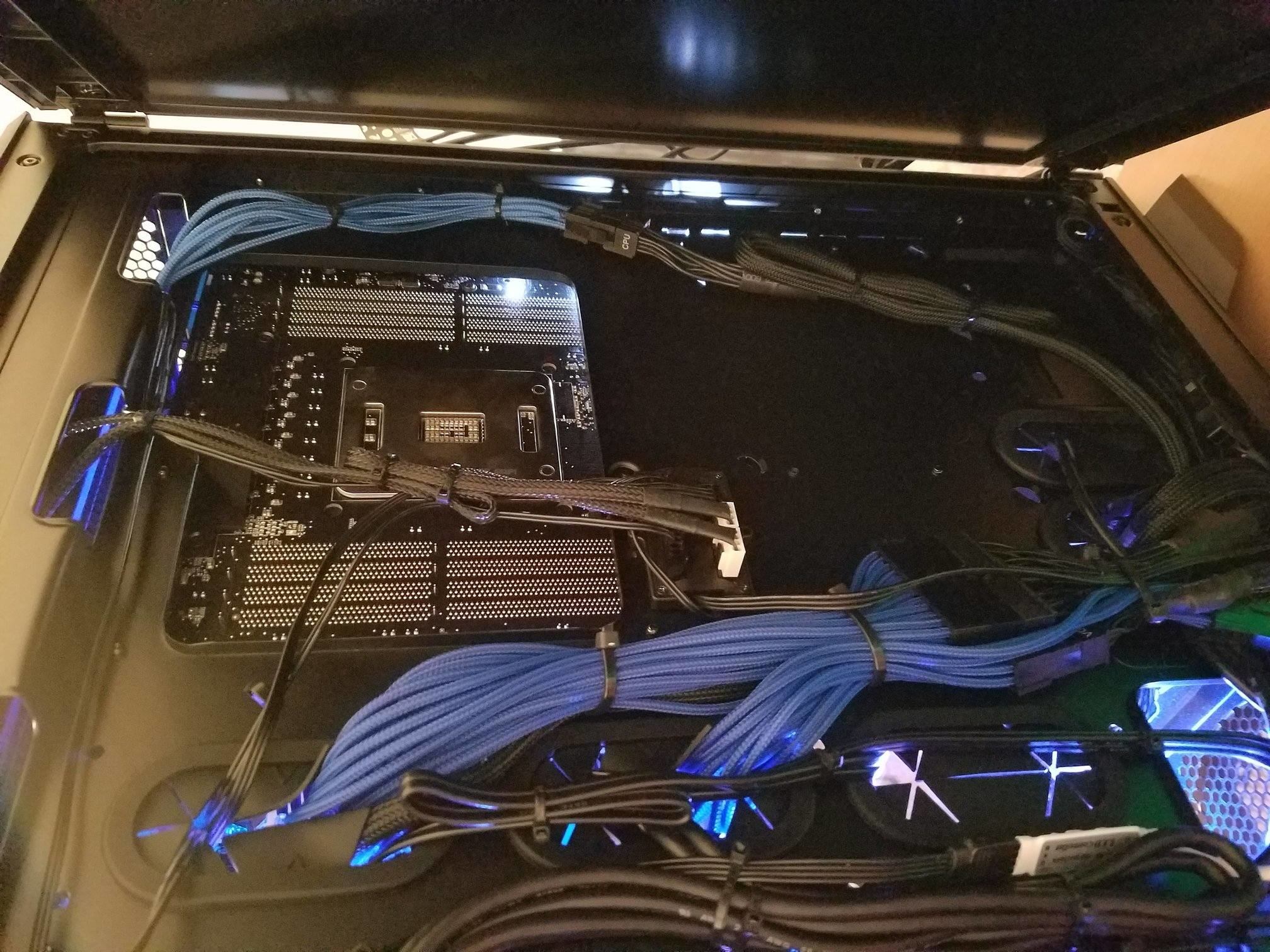
Now to just a problem that started tonight. During a DayZ stream, which I have done plenty of, it started lagging like crazy in game and then the pc shut down. Upon attempting to turn it back on, it would only for 20 or so seconds. Finally, probably 5th attempt, it gave a 'CPU Fan speed error detected,' and I had to start bios. Couple questions, thanks for hanging in there this far!- 1. Do you think this issue has anything to do with the turning off and not back on? And before my 2nd, I changed no settings in bios, manually turned off, turned back on and so far so good- but haven't stressed it via game yet. 2. On the right side of the Apollo, upon opening the case, a little black box of sorts was dangling- it appears once was stickered on the back of what seems the mobo, cpu area. I apologize for being a noob with pc's, part of the reason I bought. Here are the stats, just in case relevant. Motherboard: ASUS X99-A Processor: Intel Core i7 5820K 3.3GHz System Memory: 16GB DDR4 3000MHz Corsair Dominator Platinum DHX (Extreme-Performance) Graphics Card(s): 1x NVIDIA GeForce GTX 980 Ti 6GB (ASUS Strix Edition) Extreme Cooling: H20: HydroLux LITE: Integrated Cooling System Now that I begin to think back, early on I did have a ram error, but upon a restart it went away. Now I just put the dangling, small box back onto whatever it was on, it sticked back. Easy to take on and off, I will post a pic of that in case of relevance, but I doubt it is. Any and all help appreciated, and thanks so much everyone! This pc is a monster!!! |
|
 |
|
|
alcapown
Newbie
Joined: 05 May 2016 Online Status: Offline Posts: 25 |
Quote Reply
Posted: 30 Jun 2016 at 7:28pm |
|
|
|
|
|
alcapown
Newbie
Joined: 05 May 2016 Online Status: Offline Posts: 25 |
Quote Reply
Posted: 30 Jun 2016 at 7:28pm |
|
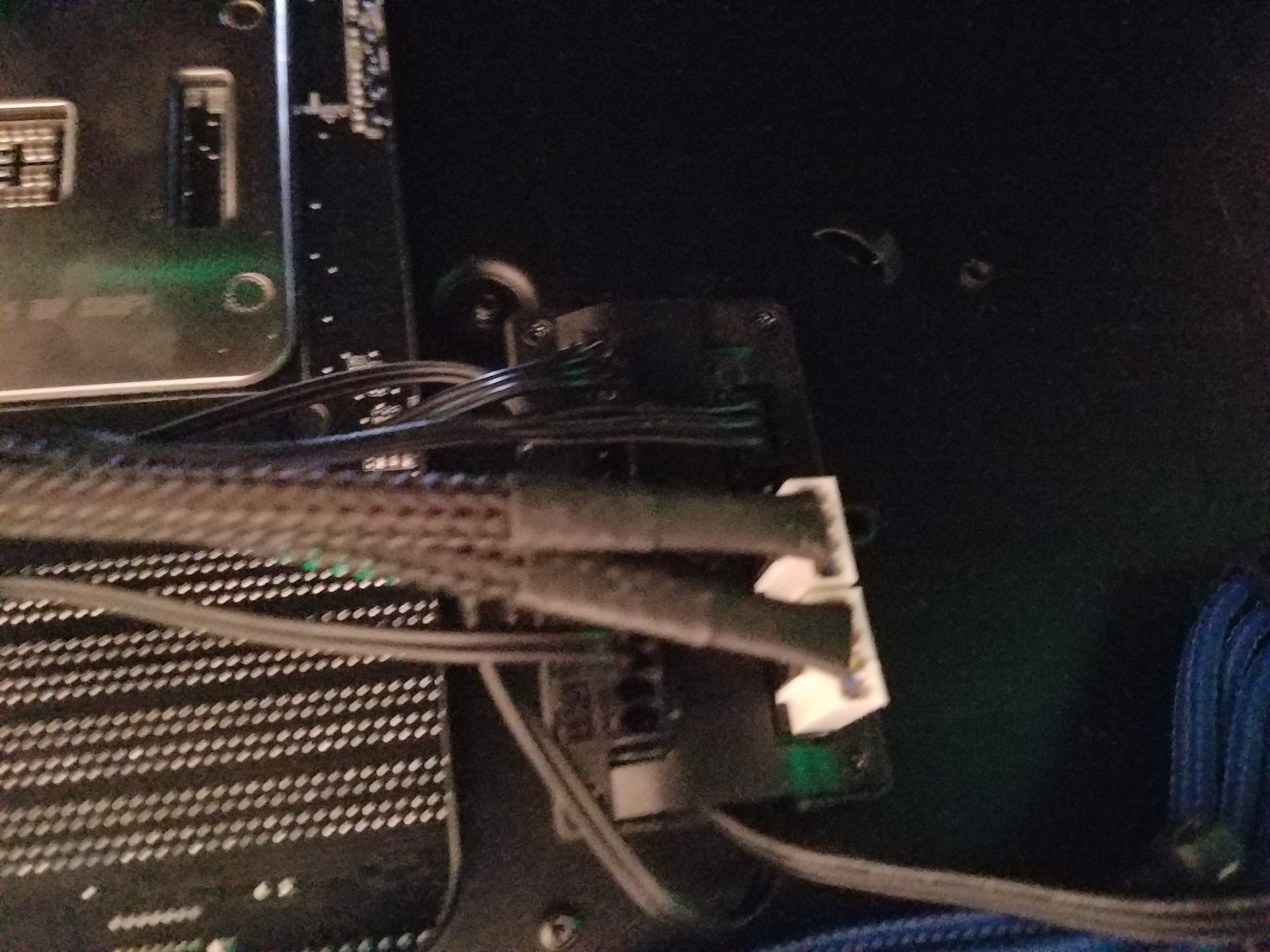
That was dangling, I just stuck it back on. It isnt connect ed, just had an adhesive type back to it. Relevant?
|
|
|
|
|
DST4ME
DS ELITE 
Joined: 14 Apr 2008 Online Status: Offline Posts: 36758 |
Quote Reply
Posted: 30 Jun 2016 at 9:17pm |
|
not sure what you are referring to.
Put your system underload and see if you get the same problem again, keep an eye out on the cpu/gpu temps. |
|
|
|
|
alcapown
Newbie
Joined: 05 May 2016 Online Status: Offline Posts: 25 |
Quote Reply
Posted: 01 Jul 2016 at 6:01am |
|
Center picture, and then the other is zoomed- where the white connectors/pin are. That box was dangling, so to speak. It has an adhesive on it, so I pressed it back on. I doubt that is the cause of the issue, just wanted to state just in case.
Is there a way to monitor temps on screen, while stressing? |
|
|
|
|
Snaike
Moderator Group 
Just a dude trying to keep the spam away
Joined: 23 Jan 2014 Online Status: Offline Posts: 9462 |
Quote Reply
Posted: 01 Jul 2016 at 9:03am |
Yes. HWMonitor, Speccy, RealTemps... all free programs. |
|
|
|
|
bprat22
DS ELITE
DigitalStorm East -- (Unofficially!)
Joined: 08 Jun 2011 Online Status: Offline Posts: 20391 |
Quote Reply
Posted: 01 Jul 2016 at 9:59am |
|
I think the board that loosened is the DS fan control board. Should be fine, just needing to be pressed back on.
|
|
|
|
|
DST4ME
DS ELITE
Joined: 14 Apr 2008 Online Status: Offline Posts: 36758 |
Quote Reply
Posted: 01 Jul 2016 at 10:28am |
|
|
|
alcapown
Newbie
Joined: 05 May 2016 Online Status: Offline Posts: 25 |
Quote Reply
Posted: 05 Jul 2016 at 9:20pm |
|
Not staying asleep, or is that a windows 10 thing? Lol, never stays asleep over night. Also, the temp display is either 30 or AA.. Just figured I'd throw those out in case anyone is privvy!
Beast machine, thanks again! |
|
|
|
|
bprat22
DS ELITE
DigitalStorm East -- (Unofficially!)
Joined: 08 Jun 2011 Online Status: Offline Posts: 20391 |
Quote Reply
Posted: 06 Jul 2016 at 2:49am |
|
Don't use sleep mode. While it works for some, others have had driver problems, accessory problems and other issues that go away when the rig is properly shutdown . Booting is so fast, sleep mode has become unnecessary in my opinion.
If still having issues let us know or call DS. 
|
|
|
|
|
DST4ME
DS ELITE
Joined: 14 Apr 2008 Online Status: Offline Posts: 36758 |
Quote Reply
Posted: 06 Jul 2016 at 2:55am |
|
Why sleep to begin with? My pcs are on 24/7
hell I don't even sleep myself  Edited by DST4ME - 06 Jul 2016 at 2:55am |
|
|
|
|
Snaike
Moderator Group
Just a dude trying to keep the spam away
Joined: 23 Jan 2014 Online Status: Offline Posts: 9462 |
Quote Reply
Posted: 06 Jul 2016 at 8:31am |
|
Turn off sleep and hibernate... disable them, completely. If you're gone for hours, shut it off. if not it does no harm in letting it run.
Sleep and hibernate seem to cause more problems than they solve. |
|
|
|
|
Post Reply
|
| Forum Jump | Forum Permissions You cannot post new topics in this forum You cannot reply to topics in this forum You cannot delete your posts in this forum You cannot edit your posts in this forum You cannot create polls in this forum You can vote in polls in this forum |

About Digital Storm
Contact Information
Facility Tour
Financing
Buy Now, Pay Later
Downloads
GSA Schedule
Terms & Conditions
Privacy Policy
Request Help
Call: 1-866-817-8676
(Hours 9AM-5PM PST)





 Topic Options