Best Upgrade I've Made (Noctua NF-F12 PWM review)Post Date: 2013-03-06 |
Post Reply 
|
| Author | |
John1017 
Newbie 

Joined: 21 Oct 2012 Online Status: Offline Posts: 59 |
 Quote Reply Quote Reply
 Topic: Best Upgrade I've Made (Noctua NF-F12 PWM review) Topic: Best Upgrade I've Made (Noctua NF-F12 PWM review)Posted: 06 Mar 2013 at 3:06pm |
|
I purchased my DS Storm Slade several months ago and I have been loving every minute.
However I came to realize that my ears were acclimatizing to the loud noise the PC made, which really didn't bother me because my old PC was loud as well. However after looking around on the internet I realized new PCs do not have to be loud, especially with the Corsair Obsidian Series 550D, "noise reduction case." I realized the noise was coming from the two fans that came with the Stage 2: Digital Storm Vortex 120mm Radiator Liquid CPU Cooler. (the two fans attached to both sides of the radiator. I did some research online and found the best fans to be the Noctua NF-F12 PWM Cooling Fans. I debated a while because they are so expensive but I finally went ahead with the purchase, I bought two for $ 21.95 each on amazon (spending $ 45 total, pricey for just computer fans) Today the fans came and I easily installed them,,, unscrewed the 4 screws on each fan, balance the radiator on the graphics cards and then installed the new fans, reversing the process, pretty easy 10 min. The end result, WOW ohh WOW,,, what a huge difference!! As soon as a put the case back together I finally understood why the case is noise reduction,, I couldn't even tell my computer was on. The refrigerator I have close by makes more noise. I would definitely recommend new fans (Noctua NF-F12 PWM) to any DS owner. Thanks guys, below are pictures 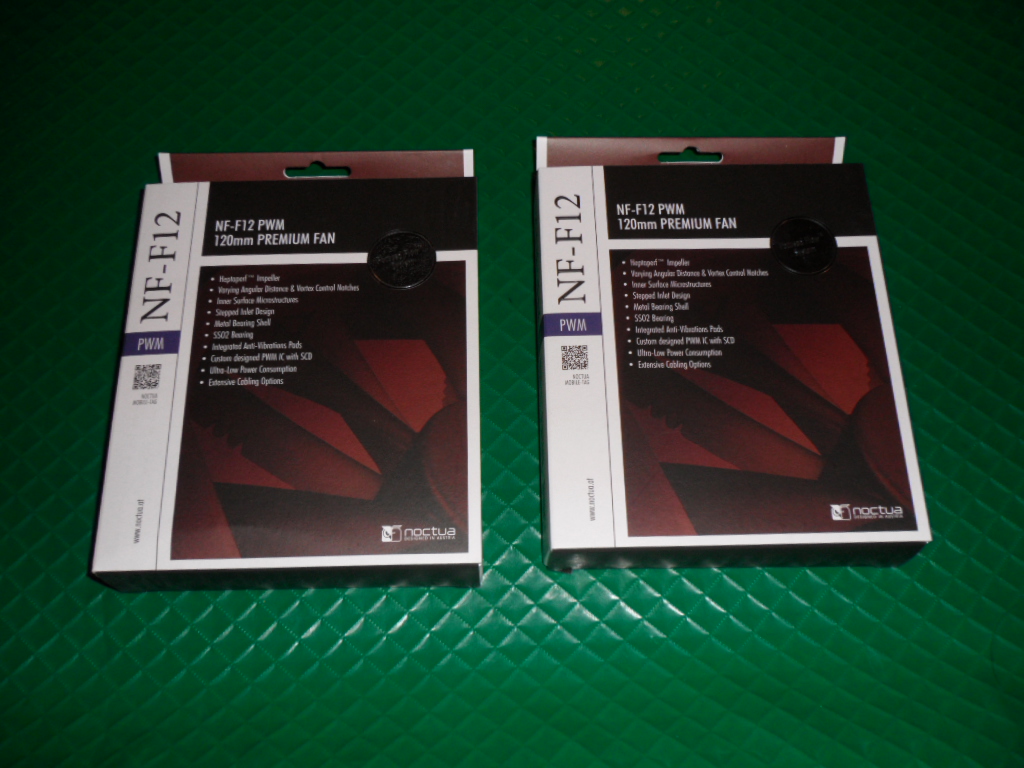 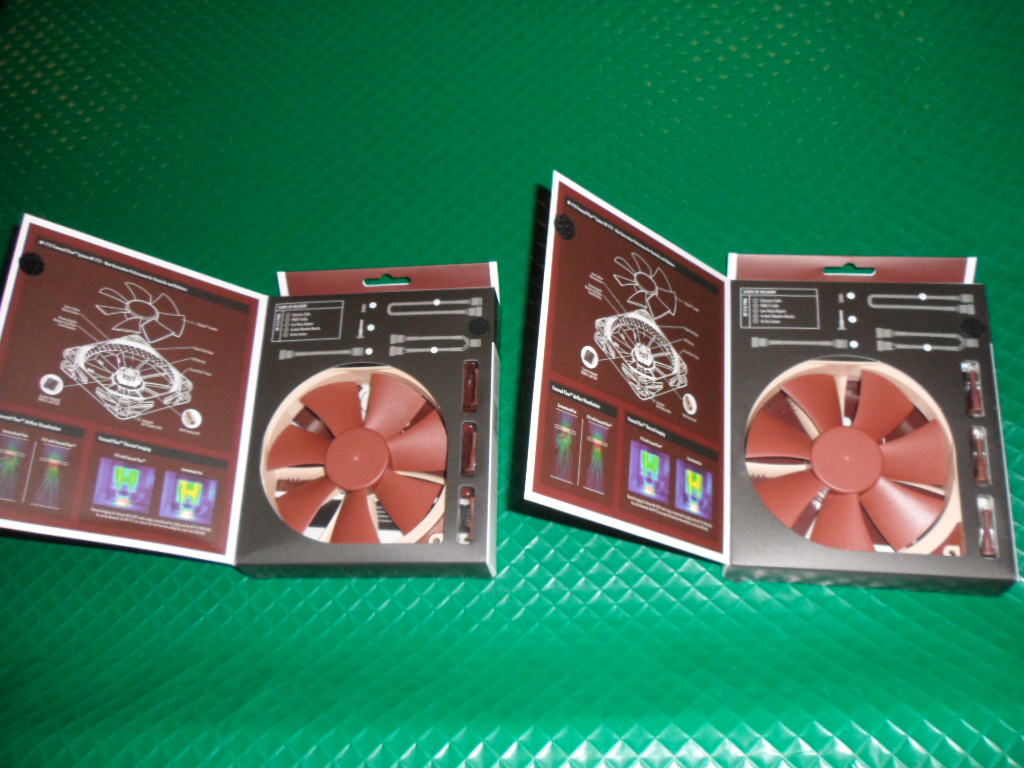 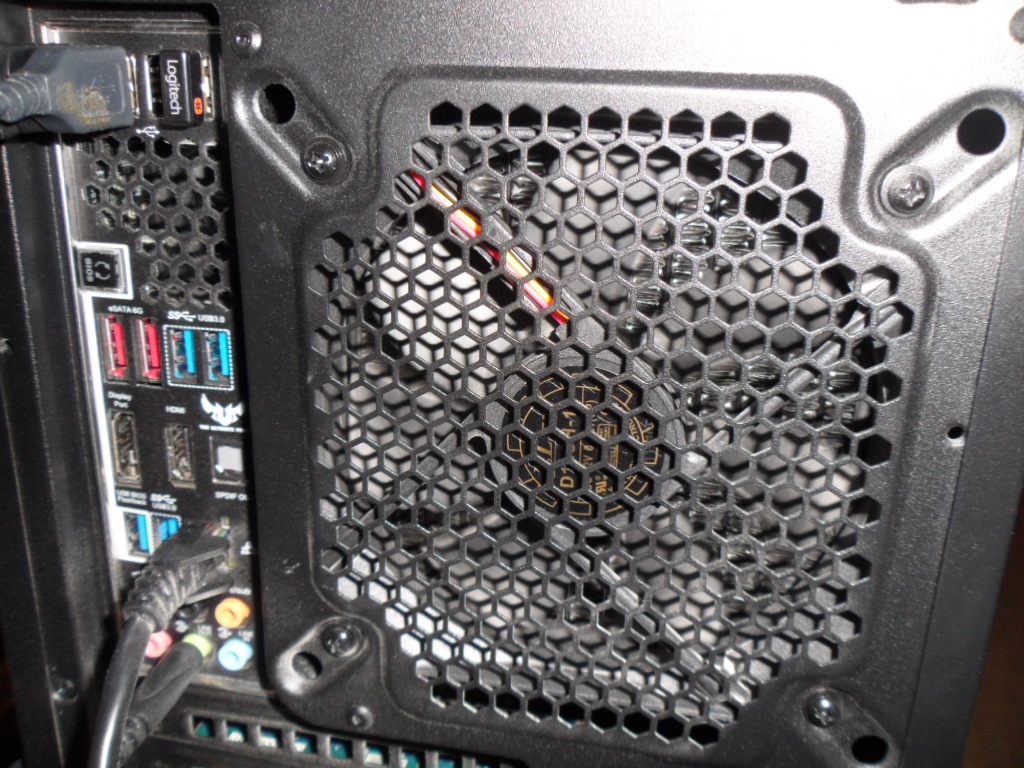 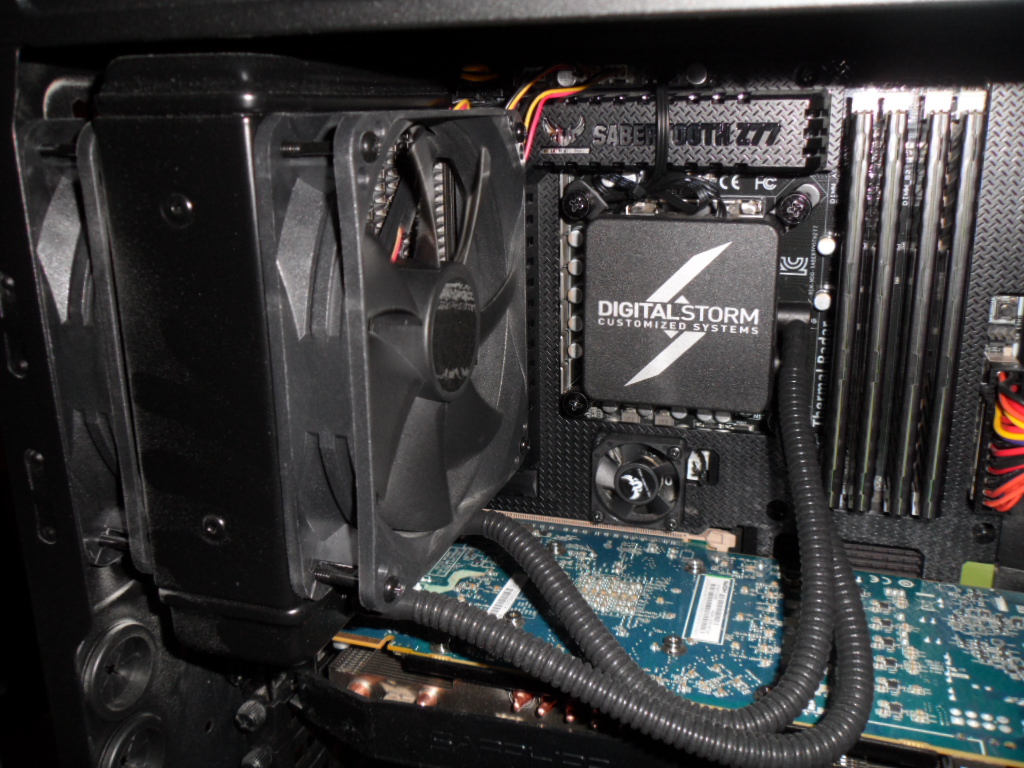 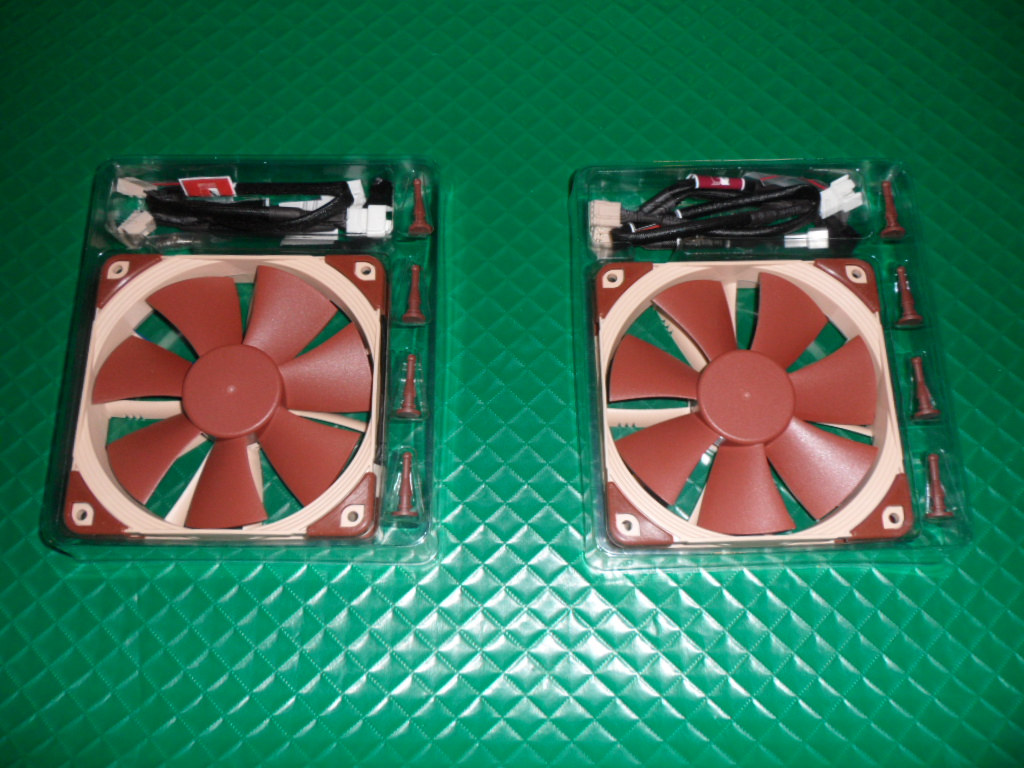 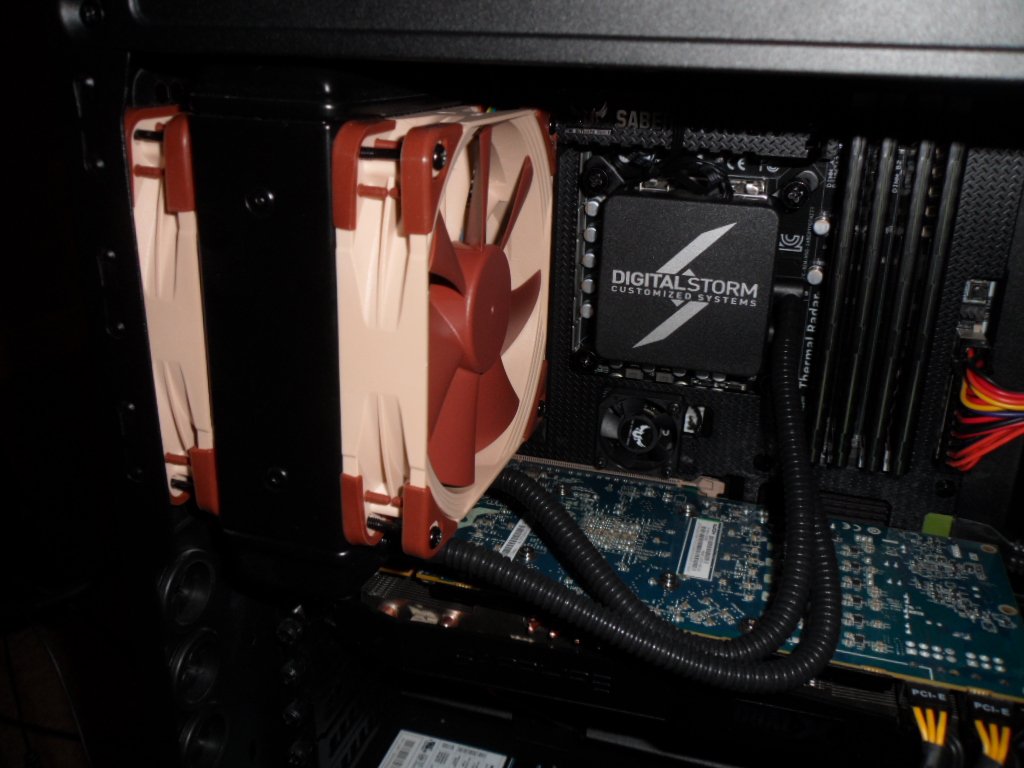 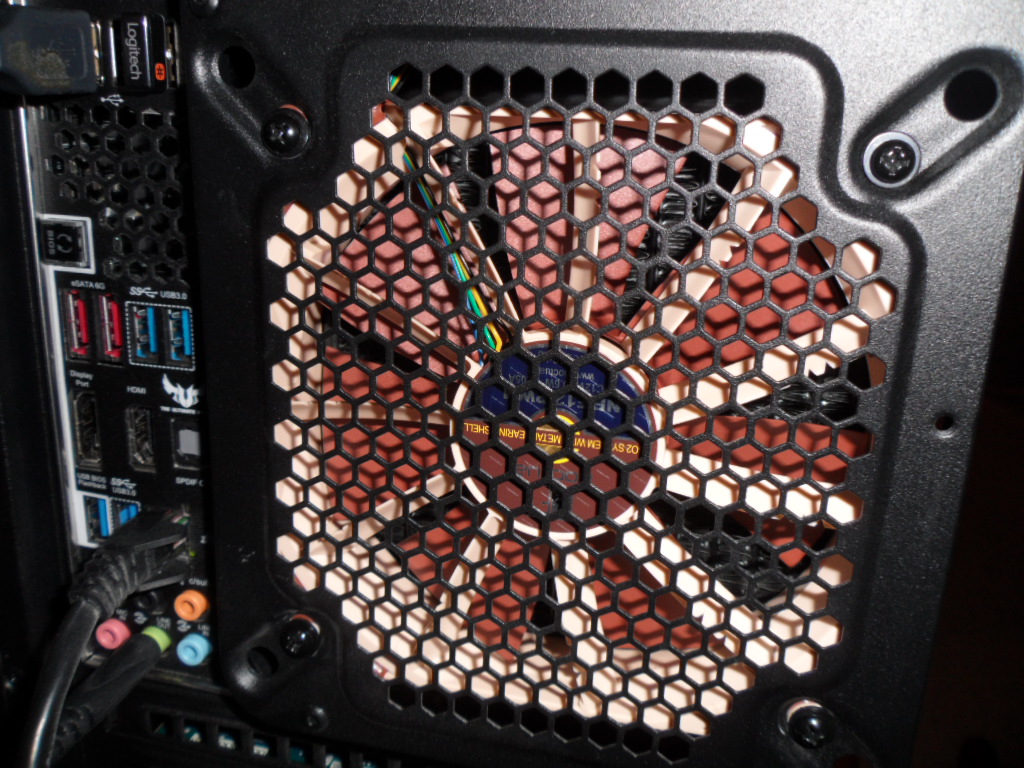
|
|
|
Digital Storm Slade
Intel i7-3770K 3.5 GHz CORSAIR Vengeance LP 16GB SAPPHIRE Radeon HD 7950 OC 3GB 384-bit ASUS SABERTOOTH Z77 Corsair Neutron Series GTX CSSD-N240GBGTX |
|
 |
|
|
bprat22
DS ELITE 
DigitalStorm East -- (Unofficially!)
Joined: 08 Jun 2011 Online Status: Offline Posts: 20391 |
Quote Reply
Posted: 06 Mar 2013 at 3:16pm |
|
Thanks alot. This is great info for those in the same situation.

|
|
|
|
|
John1017
Newbie
Joined: 21 Oct 2012 Online Status: Offline Posts: 59 |
Quote Reply
Posted: 06 Mar 2013 at 4:09pm |
|
The only noise I hear really is when I open a program and the little Assist Fans kick in on the Sabertooth Z77 motherboard, other than than there is relatively no noise.
|
|
|
Digital Storm Slade
Intel i7-3770K 3.5 GHz CORSAIR Vengeance LP 16GB SAPPHIRE Radeon HD 7950 OC 3GB 384-bit ASUS SABERTOOTH Z77 Corsair Neutron Series GTX CSSD-N240GBGTX |
|
|
|
|
John1017
Newbie
Joined: 21 Oct 2012 Online Status: Offline Posts: 59 |
Quote Reply
Posted: 06 Mar 2013 at 9:53pm |
|
Can I get some opinions here, I've seen conflicting ideas around the internet?
What is the best fan airflow direction? Right now I have it set up for both fans to be blowing in the same direction, from inside the case Fan>Radiator>Fan>Out the back of case The inside fan blows air through the radiator and the other fan blows that air out the back! Any ideas and/or suggestions would be appreciated, thanks. |
|
|
Digital Storm Slade
Intel i7-3770K 3.5 GHz CORSAIR Vengeance LP 16GB SAPPHIRE Radeon HD 7950 OC 3GB 384-bit ASUS SABERTOOTH Z77 Corsair Neutron Series GTX CSSD-N240GBGTX |
|
|
|
|
hallowed
Groupie 
Joined: 23 Feb 2013 Online Status: Offline Posts: 111 |
Quote Reply
Posted: 06 Mar 2013 at 10:24pm |
|
Seems right to me but I'm no expert.
fan blowing cool air on the rad(push),(pull)fan on the other side of the rad flowing the same direction pulling the heat away from the rad,the all hot air exiting the case. I'm just assuming that's what push/pull is,and seems common.How are your temps now with the new fans?Thanks for the review Looks like you have a place to mount a 140mm fan there on the back of the case,they would spin even slower and move more air at the same time being even quiter.I don't know how much of a difference 120-140mm would make,but glad those fans are working for you |
|
|
My youtube channel
https://www.youtube.com/user/haIIowed1 |
|
|
|
|
John1017
Newbie
Joined: 21 Oct 2012 Online Status: Offline Posts: 59 |
Quote Reply
Posted: 06 Mar 2013 at 10:41pm |
|
*Update*
I decided to use the fan I had left over as another intake fan. I placed it on the bottom and attached an extension cord and a low noise adapter. I ran the cable out the back side of the case and up to the Case Fan 2 Pin. Here is what the airflow in the computer looks like now, how does it look? CPU is steady at 30-33c 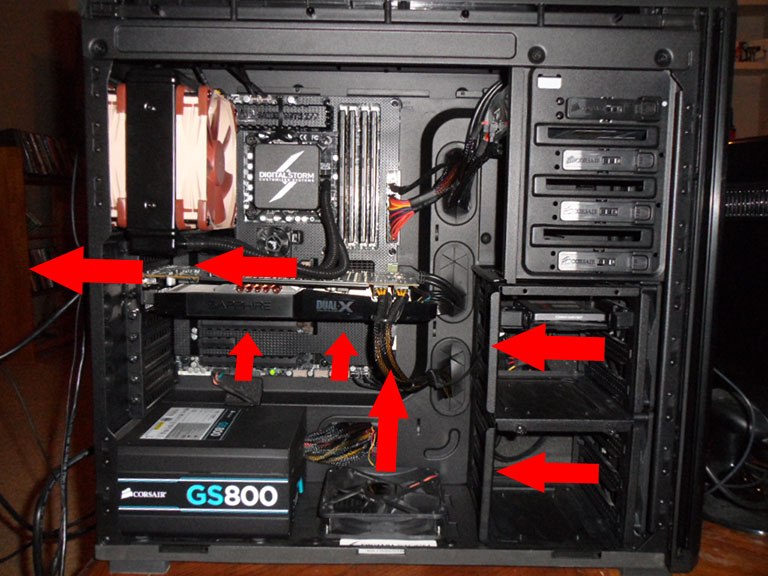 Edited by John1017 - 06 Mar 2013 at 10:45pm |
|
|
Digital Storm Slade
Intel i7-3770K 3.5 GHz CORSAIR Vengeance LP 16GB SAPPHIRE Radeon HD 7950 OC 3GB 384-bit ASUS SABERTOOTH Z77 Corsair Neutron Series GTX CSSD-N240GBGTX |
|
|
|
|
hallowed
Groupie
Joined: 23 Feb 2013 Online Status: Offline Posts: 111 |
Quote Reply
Posted: 06 Mar 2013 at 10:46pm |
|
Looks good to me.That build has good cable management,good airflow.Everything has breathing room so I doubt you will have any heat issues.
|
|
|
My youtube channel
https://www.youtube.com/user/haIIowed1 |
|
|
|
|
DST4ME
DS ELITE
Joined: 14 Apr 2008 Online Status: Offline Posts: 36758 |
Quote Reply
Posted: 06 Mar 2013 at 11:05pm |
|
Best flow for a rad is almost always push air thru rad and out the case.
If you had come here we could have saved you the time and lead you to the noctua or other quiet fans  but you got it yourself so thats all that counts but you got it yourself so thats all that counts
|
|
|
|
|
Post Reply
|
| Forum Jump | Forum Permissions You cannot post new topics in this forum You cannot reply to topics in this forum You cannot delete your posts in this forum You cannot edit your posts in this forum You cannot create polls in this forum You cannot vote in polls in this forum |

About Digital Storm
Contact Information
Facility Tour
Financing
Buy Now, Pay Later
Downloads
GSA Schedule
Terms & Conditions
Privacy Policy
Request Help
Call: 1-866-817-8676
(Hours 9AM-5PM PST)





 Topic Options