Posting Desktop PicsPost Date: 2008-03-24 |
Post Reply 
|
| Author | |
EdH63 
DS Veteran 
Joined: 01 Sep 2007 Online Status: Offline Posts: 1826 |
 Quote Reply Quote Reply
 Topic: Posting Desktop Pics Topic: Posting Desktop PicsPosted: 24 Mar 2008 at 9:40am |
|
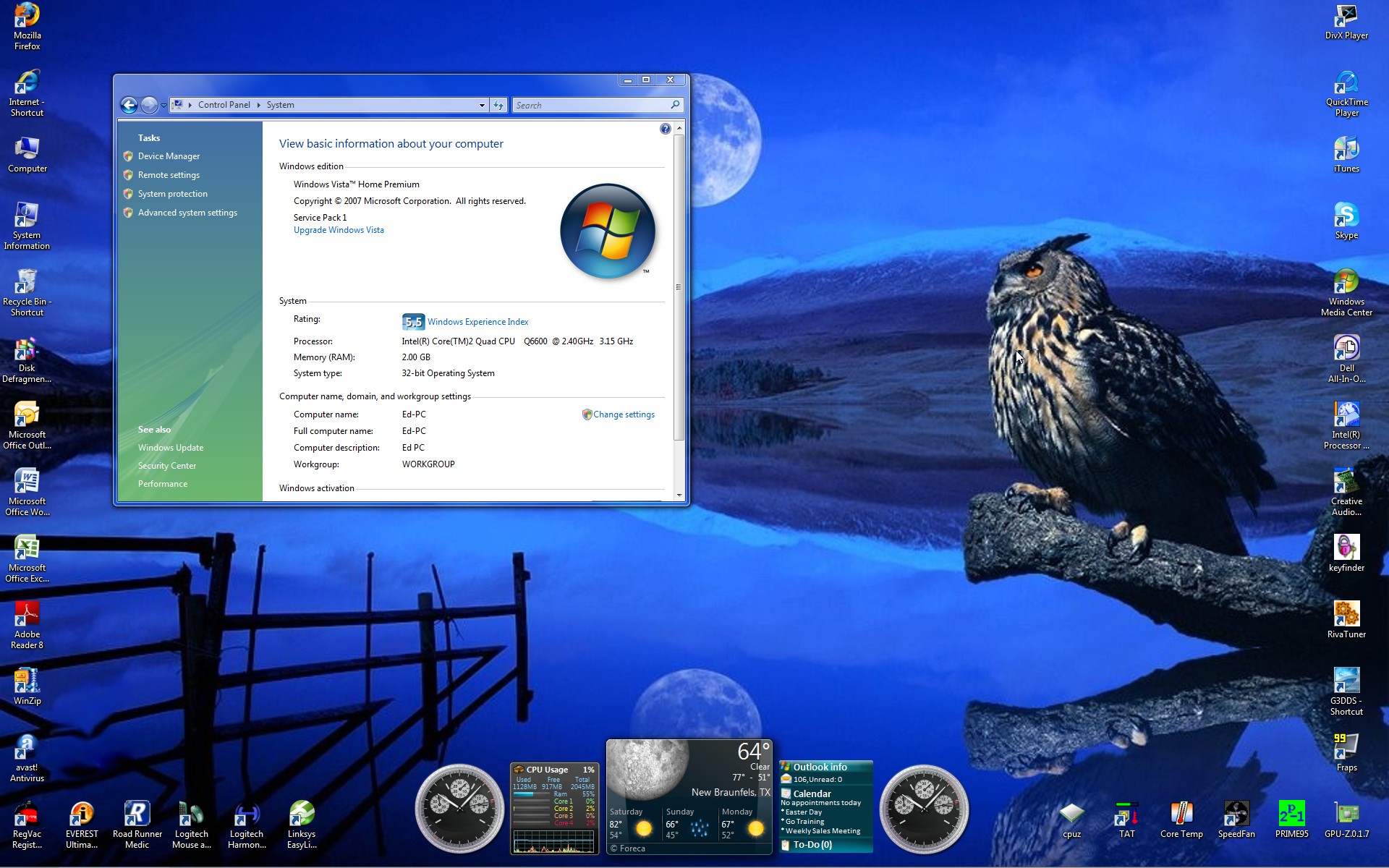
Ok, I'm embarrassed to even have to ask this question but, how do I post a pic that I've captured from desktop to these forums? I know how to do links, and I can just copy and paste pics form sites, but I can't for my life figure out the pics form desktop.
|
|
 |
|
|
Kelly
Senior Member 
Digital Storm Customer Service 
Joined: 13 May 2008 Online Status: Offline Posts: 791 |
Quote Reply
Posted: 24 Mar 2008 at 10:40am |
|
open up MSPAINT (start>run>mspaint) and then paste the screenshot there, save it as a jpg, then you can post it :)
|
|
|
|
|
EdH63
DS Veteran
Joined: 01 Sep 2007 Online Status: Offline Posts: 1826 |
Quote Reply
Posted: 24 Mar 2008 at 10:45am |
|
I've gotten to that point and do have it saved as a JPEG but, I can't figure out how to get it to the site and get it to post. Do I copy and paste it from the JPEG or would I use the insert link feature on your forums and paste it there? This is where I'm having the issue.
|
|
|
|
|
EdH63
DS Veteran
Joined: 01 Sep 2007 Online Status: Offline Posts: 1826 |
Quote Reply
Posted: 24 Mar 2008 at 10:48am |
 |
|
|
|
|
EdH63
DS Veteran
Joined: 01 Sep 2007 Online Status: Offline Posts: 1826 |
Quote Reply
Posted: 24 Mar 2008 at 10:49am |
|
Nevermind, I'm a geek. Now I just have to resize it.
|
|
|
|
|
EdH63
DS Veteran
Joined: 01 Sep 2007 Online Status: Offline Posts: 1826 |
Quote Reply
Posted: 24 Mar 2008 at 10:57am |
 |
|
|
|
|
EdH63
DS Veteran
Joined: 01 Sep 2007 Online Status: Offline Posts: 1826 |
Quote Reply
Posted: 24 Mar 2008 at 11:00am |
|
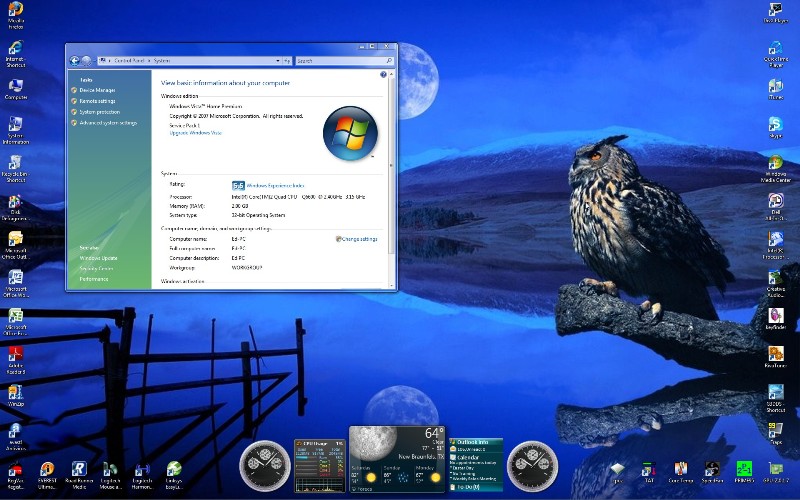
Kelly, this is 800X876 and I still can't read the window on the desktop. Is this because I've got my res on my monitor set to 1920X1200?
|
|
|
|
|
EdH63
DS Veteran
Joined: 01 Sep 2007 Online Status: Offline Posts: 1826 |
Quote Reply
Posted: 24 Mar 2008 at 11:03am |
 |
|
|
|
|
EdH63
DS Veteran
Joined: 01 Sep 2007 Online Status: Offline Posts: 1826 |
Quote Reply
Posted: 24 Mar 2008 at 11:08am |
|
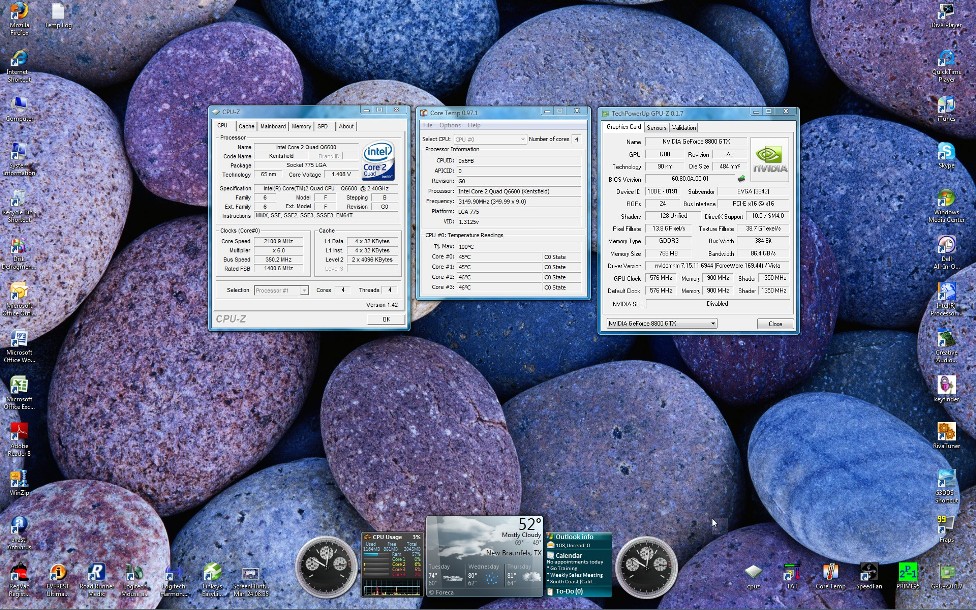
Hmmm, can't figure out why I cannot read the window in the desktop. I've played with a number of resolutions and can't seem to find the sweet spot. The larger I go, the more distorted the font.
|
|
|
|
|
Tyler Lowe
Newbie 

Joined: 14 May 2008 Online Status: Offline Posts: 0 |
Quote Reply
Posted: 24 Mar 2008 at 11:21am |
|
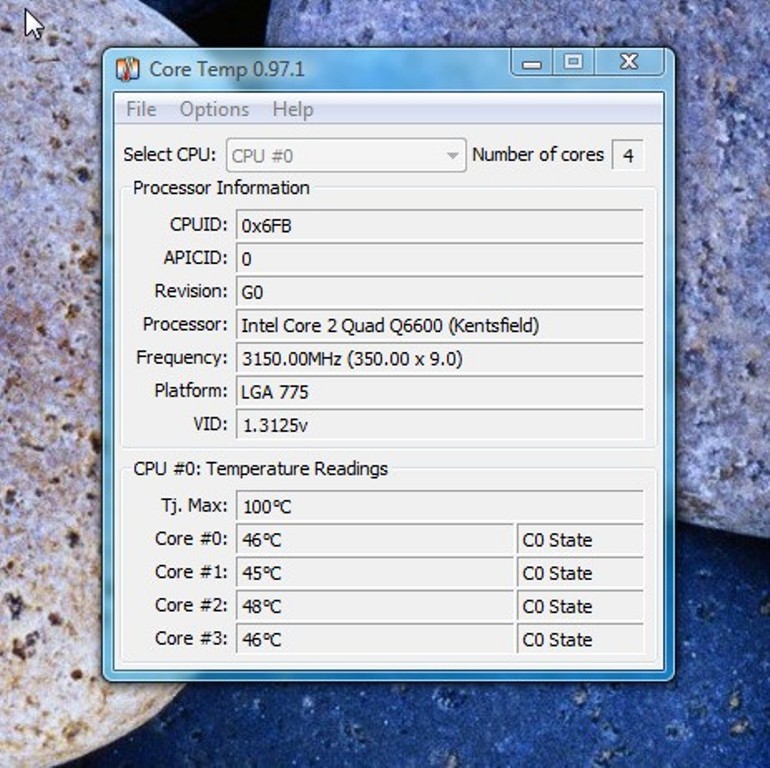
Ed, did you know you don't need to capture the entire desktop?
Open the search feature in Vista, and type "snip" The M$ Snipping Tool should show up. Use that to capture only the portion of the screen you need to post. |
|
|
|
|
EdH63
DS Veteran
Joined: 01 Sep 2007 Online Status: Offline Posts: 1826 |
Quote Reply
Posted: 24 Mar 2008 at 11:31am |
|
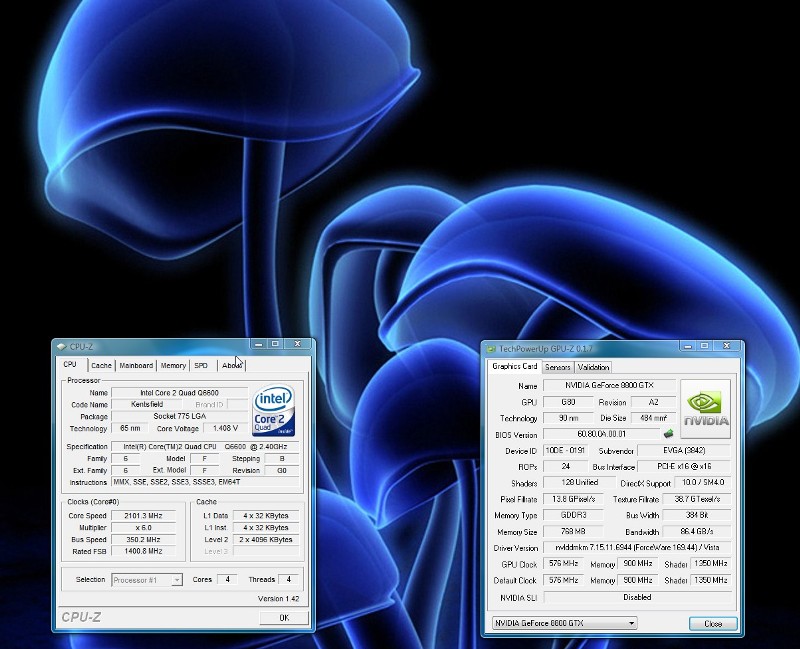
Is it a bit obvious that I don't dabble into this much? I actually wanted to capture the whole desktop so I could show how pretty the colors are on my monitor... pathetic, I know.
Thanks, Tyler, for the help with the "snipping" technique. I need to dive into MS Paint more often. |
|
|
|
|
EdH63
DS Veteran
Joined: 01 Sep 2007 Online Status: Offline Posts: 1826 |
Quote Reply
Posted: 24 Mar 2008 at 11:36am |
 |
|
|
|
|
EdH63
DS Veteran
Joined: 01 Sep 2007 Online Status: Offline Posts: 1826 |
Quote Reply
Posted: 24 Mar 2008 at 11:39am |
|
Thanks, Tyler, for directing me to that. I actually downloaded a program called "Wisdom-soft ScreenHunter 5.0" and it has a feature that will do that. It's called something different, but it obviously worked.
Thanks again, bro! |
|
|
|
|
EdH63
DS Veteran
Joined: 01 Sep 2007 Online Status: Offline Posts: 1826 |
Quote Reply
Posted: 24 Mar 2008 at 11:47am |
 |
|
|
|
|
EdH63
DS Veteran
Joined: 01 Sep 2007 Online Status: Offline Posts: 1826 |
Quote Reply
Posted: 24 Mar 2008 at 11:48am |
|
Ok, I got this thing down.
|
|
|
|
|
Tyler Lowe
Newbie
Joined: 14 May 2008 Online Status: Offline Posts: 0 |
Quote Reply
Posted: 24 Mar 2008 at 11:48am |
|
Np, glad it worked out for you.
|
|
|
|
|
Kelly
Senior Member
Digital Storm Customer Service
Joined: 13 May 2008 Online Status: Offline Posts: 791 |
Quote Reply
Posted: 24 Mar 2008 at 12:20pm |
|
An actual easier and more efficient way is just selecting "Alt-PrintScrn" and that will only capture the window that is on top. :)
|
|
|
|
|
EdH63
DS Veteran
Joined: 01 Sep 2007 Online Status: Offline Posts: 1826 |
Quote Reply
Posted: 24 Mar 2008 at 12:42pm |
|
But my software program makes a camera clicking sound when I click on the capture button! I must have the camera clicking sound or it won't work.
I'm a software nerd.  |
|
|
|
|
Post Reply
|
| Forum Jump | Forum Permissions You cannot post new topics in this forum You cannot reply to topics in this forum You cannot delete your posts in this forum You cannot edit your posts in this forum You cannot create polls in this forum You can vote in polls in this forum |

About Digital Storm
Contact Information
Facility Tour
Financing
Buy Now, Pay Later
Downloads
GSA Schedule
Terms & Conditions
Privacy Policy
Request Help
Call: 1-866-817-8676
(Hours 9AM-5PM PST)





 Topic Options