Trying to restore to factory settingsPost Date: 2013-01-30 |
Post Reply 
|
| Author | |
OutCast217 
Newbie 

Joined: 30 Jan 2013 Online Status: Offline Posts: 4 |
 Quote Reply Quote Reply
 Topic: Trying to restore to factory settings Topic: Trying to restore to factory settingsPosted: 30 Jan 2013 at 7:33pm |
|
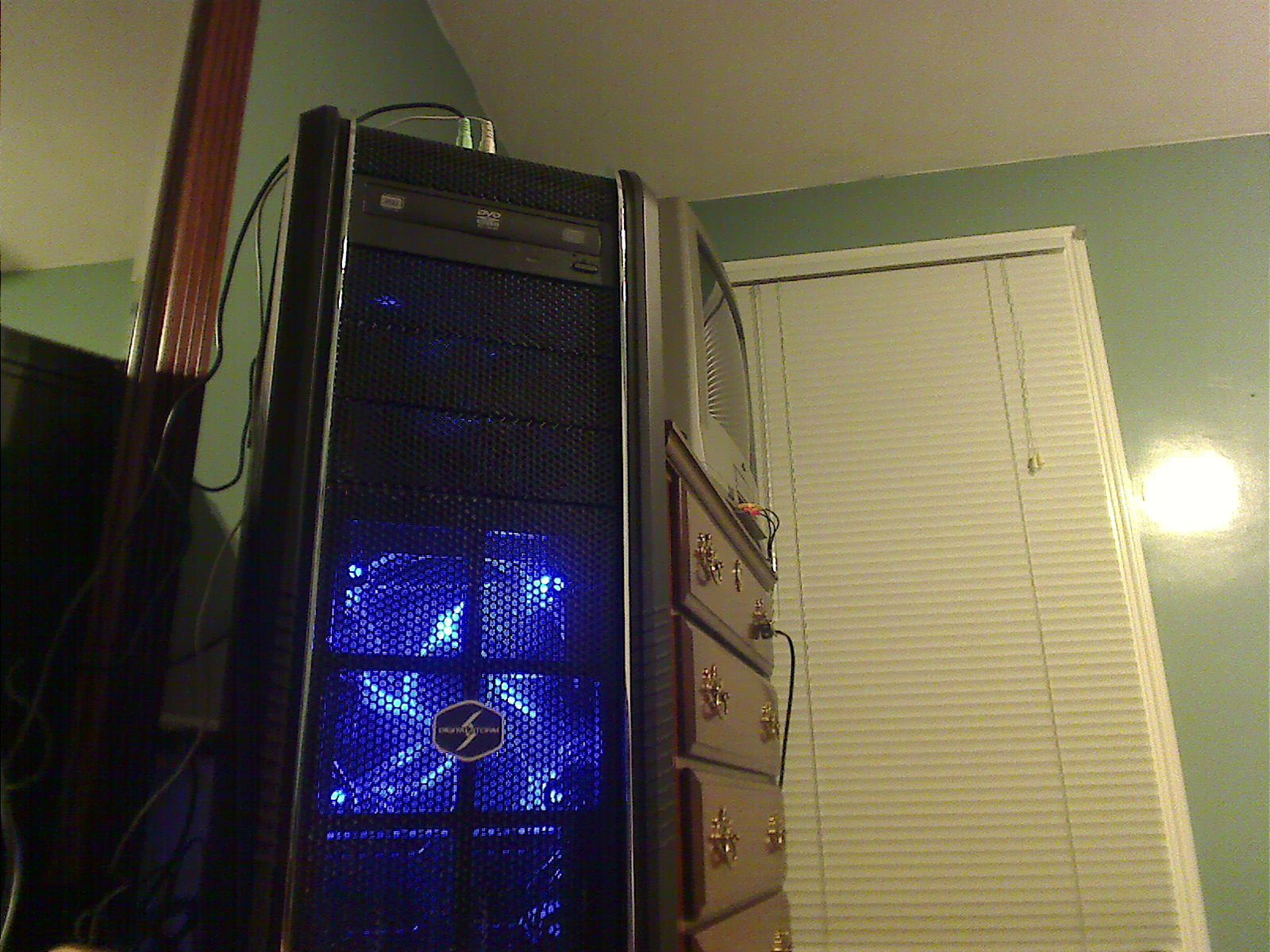
I got the error code 0x80070424 and I'm trying to restore my computer to factory settings, I still got the disks that came with the binder... when I press F8 it brings me to an asus screen with a bunch of stuff can someone be so kind as to guide me here on how to restore it? this is what my computer looks like if it helps at all
|
|
 |
|
|
bprat22
DS ELITE 
DigitalStorm East -- (Unofficially!)
Joined: 08 Jun 2011 Online Status: Offline Posts: 20391 |
Quote Reply
Posted: 31 Jan 2013 at 3:59am |
|
Here's a link that might help.
http://support.microsoft.com/kb/968002 Normally, just put Windows disc in drive, hard reboot ( not Restart) and select your option there. You didn't give alot of info but F8 is asking you to boot into Safe Mode, meaning Windows detected a fault at boot. See if the link helps. |
|
|
|
|
OutCast217
Newbie
Joined: 30 Jan 2013 Online Status: Offline Posts: 4 |
Quote Reply
Posted: 31 Jan 2013 at 7:53am |
The windows 7 disc? |
|
|
|
|
bprat22
DS ELITE
DigitalStorm East -- (Unofficially!)
Joined: 08 Jun 2011 Online Status: Offline Posts: 20391 |
Quote Reply
Posted: 31 Jan 2013 at 8:48am |
|
In the folder that came with the DS system should be a Windows 7 Operating Sytem disc. You can boot with it in the drive and follow the reinstall Windows option or, and I've never tried this, go to Start...Control Panel.... Backup and restore.....Recover System Settings....Advanced Recovery and Reinstall Windows and follow the directions.
If you have a seperate Restore Partition on the drive, then I believe, hit F8 for Safe Made and select the Restore option. Every system is different, so some of this might be a bit different. This wipes out evrything and reinstalls windows. Save and backup whatever you want to keep. |
|
|
|
|
Alex
Admin Group 
Digital Storm Supervisor 
Joined: 04 Jun 2012 Online Status: Offline Posts: 16314 |
Quote Reply
Posted: 31 Jan 2013 at 3:45pm |
|
You'll have to do a fresh install of Windows to make sure you get a clean wipe. After the format and install, you can install the latest drivers.
|
|

|
|
|
|
|
OutCast217
Newbie
Joined: 30 Jan 2013 Online Status: Offline Posts: 4 |
Quote Reply
Posted: 31 Jan 2013 at 4:53pm |
|
So if I put the windows cd in and restart my computer it should give me that option to restore to factory settings when booting?
|
|
|
|
|
bprat22
DS ELITE
DigitalStorm East -- (Unofficially!)
Joined: 08 Jun 2011 Online Status: Offline Posts: 20391 |
Quote Reply
Posted: 31 Jan 2013 at 5:07pm |
|
Yes. There might be a few questions like language,etc but just follow the directions and you should be good.
I don't think it says factory restore but Windows Reinstall or something close. After re-install, like Alex said, you might have to install drivers for hardware, etc. Good luck. |
|
|
|
|
OutCast217
Newbie
Joined: 30 Jan 2013 Online Status: Offline Posts: 4 |
Quote Reply
Posted: 31 Jan 2013 at 6:10pm |
|
|
|
|
|
bprat22
DS ELITE
DigitalStorm East -- (Unofficially!)
Joined: 08 Jun 2011 Online Status: Offline Posts: 20391 |
Quote Reply
Posted: 01 Feb 2013 at 6:41am |
|
You're welcome. Our pleasure and I hope all went well.

|
|
|
|
|
Alex
Admin Group
Digital Storm Supervisor
Joined: 04 Jun 2012 Online Status: Offline Posts: 16314 |
Quote Reply
Posted: 01 Feb 2013 at 12:42pm |

|
|
|
|
|
|
|
|
Post Reply
|
| Forum Jump | Forum Permissions You cannot post new topics in this forum You cannot reply to topics in this forum You cannot delete your posts in this forum You cannot edit your posts in this forum You cannot create polls in this forum You cannot vote in polls in this forum |

About Digital Storm
Contact Information
Facility Tour
Financing
Buy Now, Pay Later
Downloads
GSA Schedule
Terms & Conditions
Privacy Policy
Request Help
Call: 1-866-817-8676
(Hours 9AM-5PM PST)





 Topic Options