New Vanqusih 4Post Date: 2015-12-17 |
Post Reply 
|
| Author | |
crzyman007 
Newbie 
Joined: 17 Dec 2015 Online Status: Offline Posts: 1 |
 Quote Reply Quote Reply
 Topic: New Vanqusih 4 Topic: New Vanqusih 4Posted: 17 Dec 2015 at 4:47pm |
|
New Vanquish just arrived. Installed it. Works fine however there's a orange light inside the case. I would like to know why that light is orange and if I could do something to make it turn green.
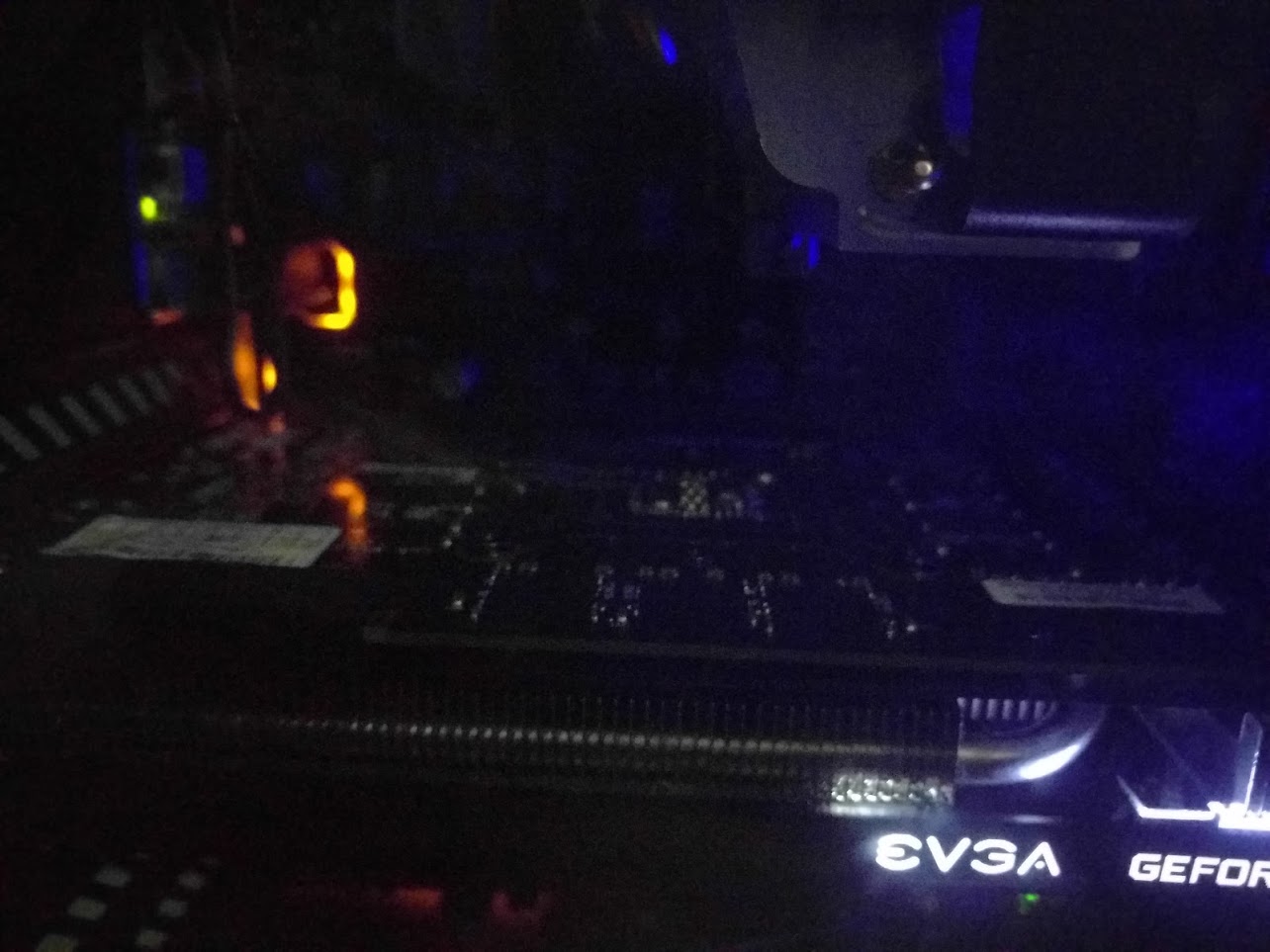
Also made a video but cant post links Vid(dot)me/AcVk Is that light normal? I unplugged the power cable and it went off. Does it just indicate that PC is connected to a power source? Edited by crzyman007 - 17 Dec 2015 at 5:04pm |
|
 |
|
|
DS Veteran 

Joined: 28 Oct 2014 Online Status: Offline Posts: 1674 |
Quote Reply
Posted: 17 Dec 2015 at 4:57pm |
|
I'm guessing you have a Gigabyte board. They light up a translucent section to show separation between the audio circuitry and the rest of the board. I don't think you can change the color; not sure if you can turn it off or not.
|
|
|
|
|
Alex
Admin Group 
Digital Storm Supervisor 
Joined: 04 Jun 2012 Online Status: Offline Posts: 16314 |
Quote Reply
Posted: 18 Dec 2015 at 11:41am |
|
The color is normal, it's just a design feature, it does not mean anything is wrong.

|
|

|
|
|
|
|
krazyhippy
Groupie 
Joined: 26 Nov 2015 Online Status: Offline Posts: 186 |
Quote Reply
Posted: 11 Jan 2016 at 1:16pm |
|
No worries my ASUS board does the same thing.
|
|
|
Vanquish 4 Level 4
i5-6600k @ 4.4GHz Asus Z170-K 16GB RAM 250 SSD 1TB HDD GeForce GTX 980 4GB Asus PCE-AC68 Wireless AC Card |
|
|
|
|
Post Reply
|
| Forum Jump | Forum Permissions You cannot post new topics in this forum You cannot reply to topics in this forum You cannot delete your posts in this forum You cannot edit your posts in this forum You cannot create polls in this forum You cannot vote in polls in this forum |

About Digital Storm
Contact Information
Facility Tour
Financing
Buy Now, Pay Later
Downloads
GSA Schedule
Terms & Conditions
Privacy Policy
Request Help
Call: 1-866-817-8676
(Hours 9AM-5PM PST)





 Topic Options